


Swap Crypto in Just a Few Clicks — A 2‑Minute Guide to Xgram


Published
•Read 1 Min
Subscribe to receive weekly crypto news and up to a 50% fee discount
You are subscribed to updates!
Step 1: Launch the Xgram App
Open Telegram and start the Xgram App — no sign-up required.
Step 2: Choose Your Tokens
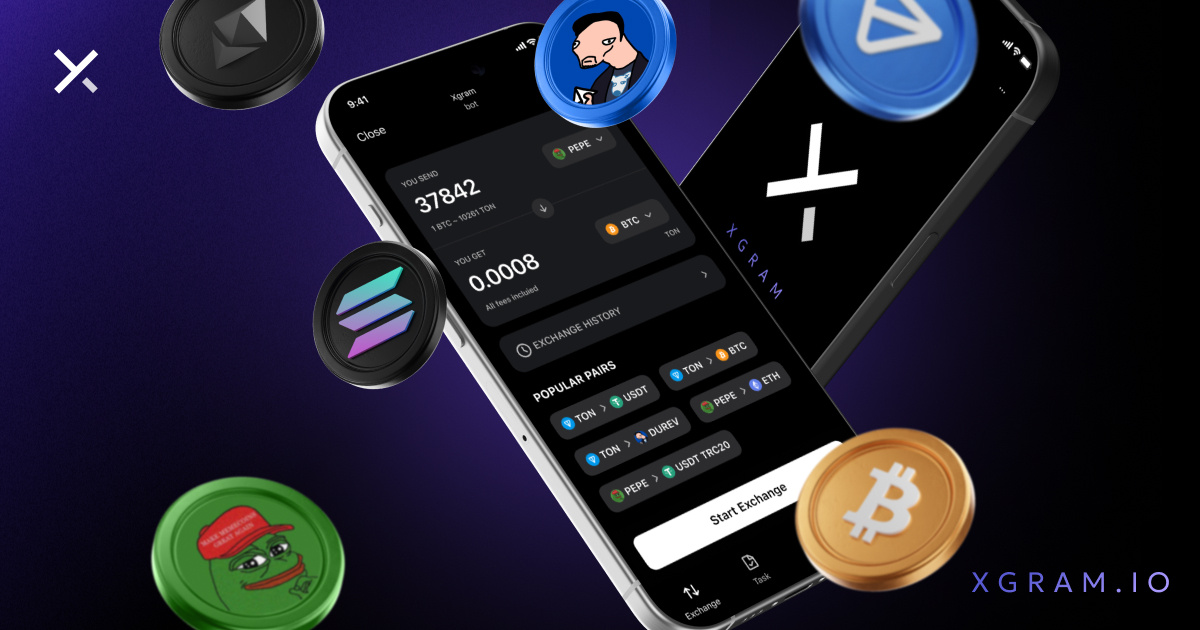
In the Swap tab, select the token you want to send and the one you want to receive.
Enter the amount and tap Start Swap.
Step 3: Enter Your Wallet Address
Paste the receiving wallet address for the token you're swapping to. Double-check it — this is where your funds will arrive.
Step 4: Send Your Funds
Copy the wallet address shown in the app and send the exact amount of crypto to it.
Once the transaction is confirmed, you can track its status directly in the app.
Xgram isn’t just a fast crypto swap tool — it also offers a referral program so you can earn while you share.
We’re making crypto swaps simple, transparent, and available to everyone.

Private crypto swaps
Best rates. Secure. Wallet to wallet


 5 Min
5 Min










1/13