TL;DR (короткая версия)
• Криптокошелёк необходим для защиты ваших цифровых активов, таких как Bitcoin и Ethereum.
• Существует несколько типов кошельков: программные, аппаратные и бумажные. У каждого есть свои плюсы и минусы.
• Создание первого кошелька обычно включает установку программы или покупку устройства, генерацию seed-фразы и соблюдение правил безопасности, характерных для криптовалют.
• Такие инструменты, как Xgram, позволяют торговать криптовалютой без необходимости подключать кошелёк, что может помочь сэкономить на комиссиях, если вы просто хотите обменять активы или вывести средства.
Ниже вы найдёте пошаговое руководство по созданию первого криптокошелька, выбору подходящего типа кошелька под ваши задачи и обеспечению безопасности. Также вы получите практические советы по расширению криптознаний и удобный раздел FAQ в конце, где разобраны частые вопросы новичков.
Понимание криптокошельков
Прежде чем переходить к созданию первого криптокошелька, полезно понять, что такое кошелёк и зачем он вообще нужен.
Что такое криптокошелёк?
Криптокошелёк — это инструмент — программный или аппаратный — который хранит ключи, необходимые для управления вашими цифровыми монетами или токенами. Несмотря на название, сами монеты не «лежат» внутри кошелька. Криптовалюта хранится в блокчейне, а кошелёк управляет приватными ключами (или seed-фразами), которые дают вам право доступа к этим средствам и их перемещения.
При создании криптокошелька вы обычно получаете уникальный адрес. Его можно сравнить с номером банковского счёта, но для цифровых валют. Друзья или биржи отправляют криптовалюту на этот адрес, а вы подтверждаете транзакции, подписывая их приватным ключом. Если у вас нет этого ключа, вы фактически не контролируете средства. Именно поэтому кошелёк так важен.
Зачем он нужен?
Кошелёк нужен, чтобы вы полностью контролировали свои цифровые активы. Многие биржи предлагают «кастодиальные» кошельки для удобства, но в таких случаях приватные ключи хранятся у самой платформы. Если биржа прекратит работу или столкнётся с проблемами безопасности, ваши средства могут оказаться под угрозой. Создавая собственный кошелёк, вы берёте хранение криптовалюты под личный контроль.
Правильно настроенный кошелёк также помогает снизить комиссии, взаимодействовать с децентрализованными приложениями и получать токены из разных сетей. Независимо от того, инвестируете ли вы в долгую или только изучаете цифровые активы, собственный кошелёк — важный этап.
Сравнение типов кошельков
Когда люди спрашивают «Как создать криптокошелёк?», ответ часто зависит от того, какой тип кошелька лучше всего подходит под их задачи. Существует три основные категории: программные кошельки, аппаратные кошельки и бумажные кошельки. У каждого варианта есть свои преимущества и недостатки.
Программные кошельки
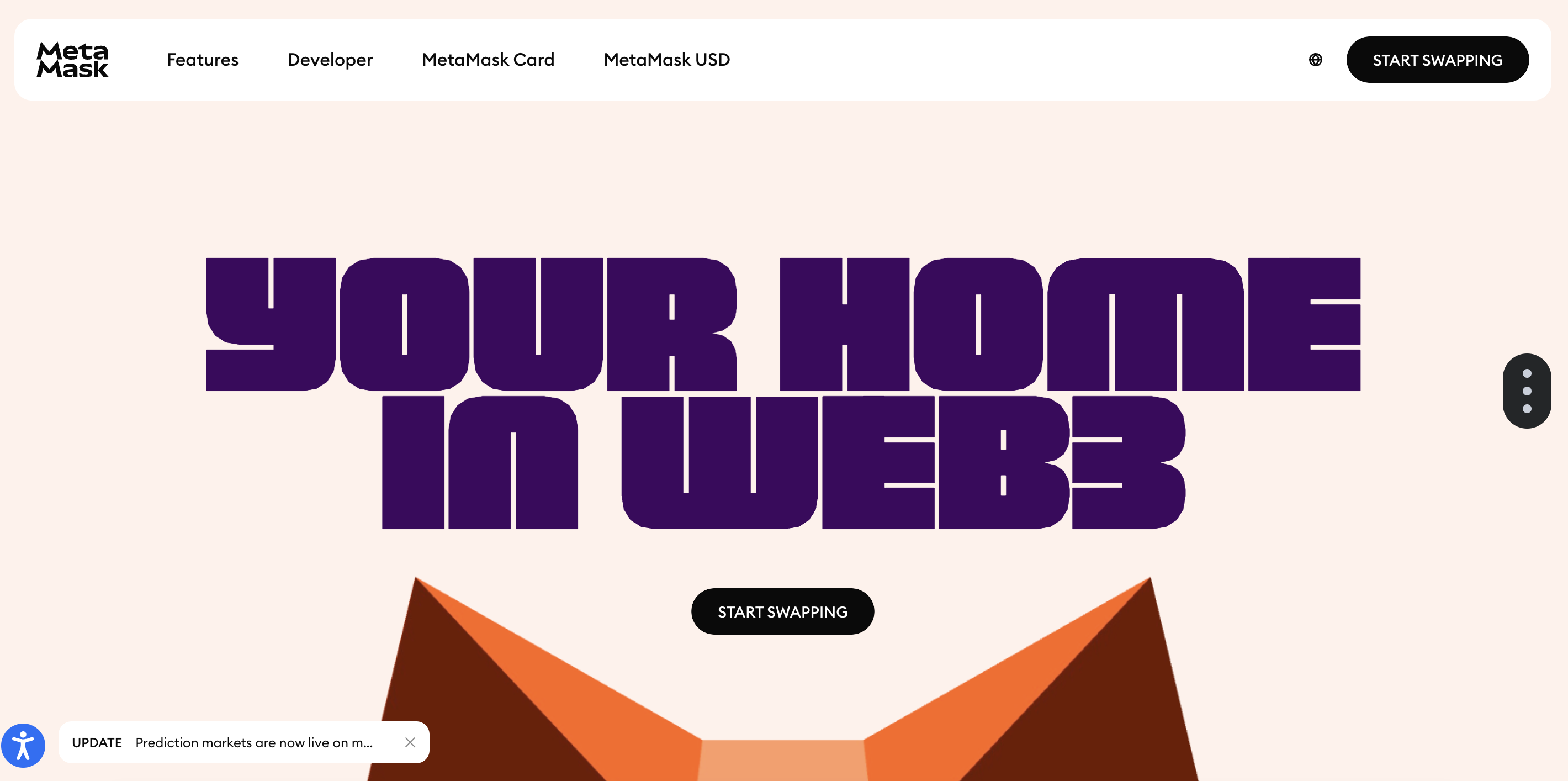
Программные кошельки, также называемые «горячими кошельками», устанавливаются на телефон, планшет или компьютер. Они подключены к интернету, поэтому их легко настроить и удобно использовать для регулярных операций. Примеры: Metamask, Trust Wallet.
Плюсы
Простая установка и понятный интерфейс
Быстрый доступ к средствам
Дополнительные функции, такие как отслеживание цен и встроенные обмены
Минусы
Более высокая уязвимость к онлайн-угрозам, включая вредоносное ПО и фишинг
Зависимость от безопасности устройства и качества используемых паролей
Программные кошельки — хороший выбор для новичков, которым нужен простой и быстрый старт. Однако важно внимательно относиться к безопасности устройства и собственным онлайн-привычкам.
Аппаратные кошельки
Аппаратные кошельки — это физические устройства, чаще всего похожие на USB-накопители, которые хранят приватные ключи офлайн. Они подключаются к компьютеру только в момент подписания транзакций.
Плюсы
Высокий уровень безопасности благодаря офлайн-хранению
Устойчивость к большинству видов вредоносного ПО и удалённых атак
Удобное резервное копирование и восстановление
Минусы
Более высокая первоначальная стоимость по сравнению с программными кошельками
Меньше удобства для частых повседневных транзакций
Необходимость хранить и не терять физическое устройство
Аппаратные кошельки часто выбирают пользователи, которые хранят значительные суммы и делают ставку на максимальную безопасность.
Бумажные кошельки
Бумажный кошелёк — это физическая распечатка публичного адреса и приватного ключа, созданная с помощью офлайн-инструмента и хранимая в надёжном месте.
Плюсы
Полностью офлайн
Нет устройства, которое можно взломать удалённо
Минимальные или нулевые дополнительные затраты
Минусы
Высокий риск потери или повреждения бумаги (вода, огонь)
Требует особой осторожности при генерации и печати ключей
Неудобен для частых транзакций
Бумажные кошельки могут быть очень безопасным решением для долгосрочного хранения, но большинству новичков всё же удобнее использовать программные или аппаратные варианты.
Подготовка к созданию кошелька
Прежде чем сразу переходить к созданию криптокошелька, важно заранее определить требования — как технические, так и связанные с безопасностью. Это включает выбор устройства, операционной системы и способа хранения резервной информации.
Выбор платформы
Если вы планируете пользоваться кошельком со смартфона, обратите внимание на проверенные мобильные приложения. Для iOS и Android существует множество надёжных вариантов, поэтому стоит изучить отзывы и пользовательский опыт. Если же вам удобнее управлять криптовалютой с ноутбука или настольного компьютера, подойдут платные программные решения или браузерные кошельки. В любом случае, особенно на начальном этапе, выбирайте только известные и зарекомендовавшие себя сервисы.
При выборе платформы обязательно проверьте, какие монеты и токены поддерживает кошелёк. Некоторые кошельки ограничиваются популярными валютами вроде Bitcoin, Ethereum или Litecoin, тогда как другие работают с широким спектром активов на разных блокчейнах. Убедитесь, что выбранный кошелёк поддерживает именно те криптовалюты, которые вы планируете покупать или получать, чтобы избежать проблем с совместимостью в будущем.
Обеспечение безопасности системы
Безопасность может показаться лишним усложнением, но именно она лежит в основе защиты ваших средств. Убедитесь, что на вашем компьютере или телефоне настроены базовые меры защиты:
- Актуальная версия операционной системы и приложений
- Надёжный антивирус или антишпионское ПО
- Сложный пароль или PIN-код для устройства
- Двухфакторная аутентификация (2FA), где это возможно
Если вы выбираете аппаратный кошелёк, внимательно изучите инструкции по его безопасной настройке. В случае с бумажными кошельками убедитесь, что генерация происходит офлайн, и не сохраняйте файлы в облачных сервисах. За последние годы было немало случаев атак на новичков, которые пренебрегали этими базовыми мерами. Немного дополнительной осторожности на старте может сэкономить вам много нервов и средств в будущем.
Создание первого кошелька
На этом этапе вы уже готовы ответить на вопрос: «Как создать криптокошелёк с нуля?» Конкретные шаги могут немного отличаться в зависимости от типа кошелька, но общий принцип остаётся одинаковым.
Пошаговая инструкция
- Выберите тип кошелька — программный, аппаратный или бумажный.
- Скачайте приложение или приобретите устройство. Программные кошельки загружайте только с официальных сайтов или проверенных магазинов приложений. Аппаратные кошельки покупайте напрямую у производителя или у надёжных продавцов.
- Установите и запустите кошелёк. Для аппаратных кошельков подключите устройство и откройте фирменное приложение для управления.
- Сгенерируйте seed-фразу. Обычно это набор из 12 или 24 случайных слов, которые позволяют восстановить доступ к кошельку при утере или поломке устройства. Запишите их на бумаге и храните офлайн.
- Установите пароль или PIN-код. Он защитит кошелёк от несанкционированного доступа. Используйте уникальный и надёжный пароль.
- Подтвердите настройку. Некоторые кошельки попросят повторить seed-фразу, чтобы убедиться, что вы записали её правильно.
- Проведите тестовую транзакцию. Отправьте небольшое количество криптовалюты, чтобы убедиться, что кошелёк работает корректно.
После выполнения этих шагов у вас будет полностью рабочий криптокошелёк. Вы сможете получать монеты, хранить их и отправлять другим пользователям. Самая важная ответственность на этом этапе — надёжное хранение seed-фразы.
Использование Xgram для торговли
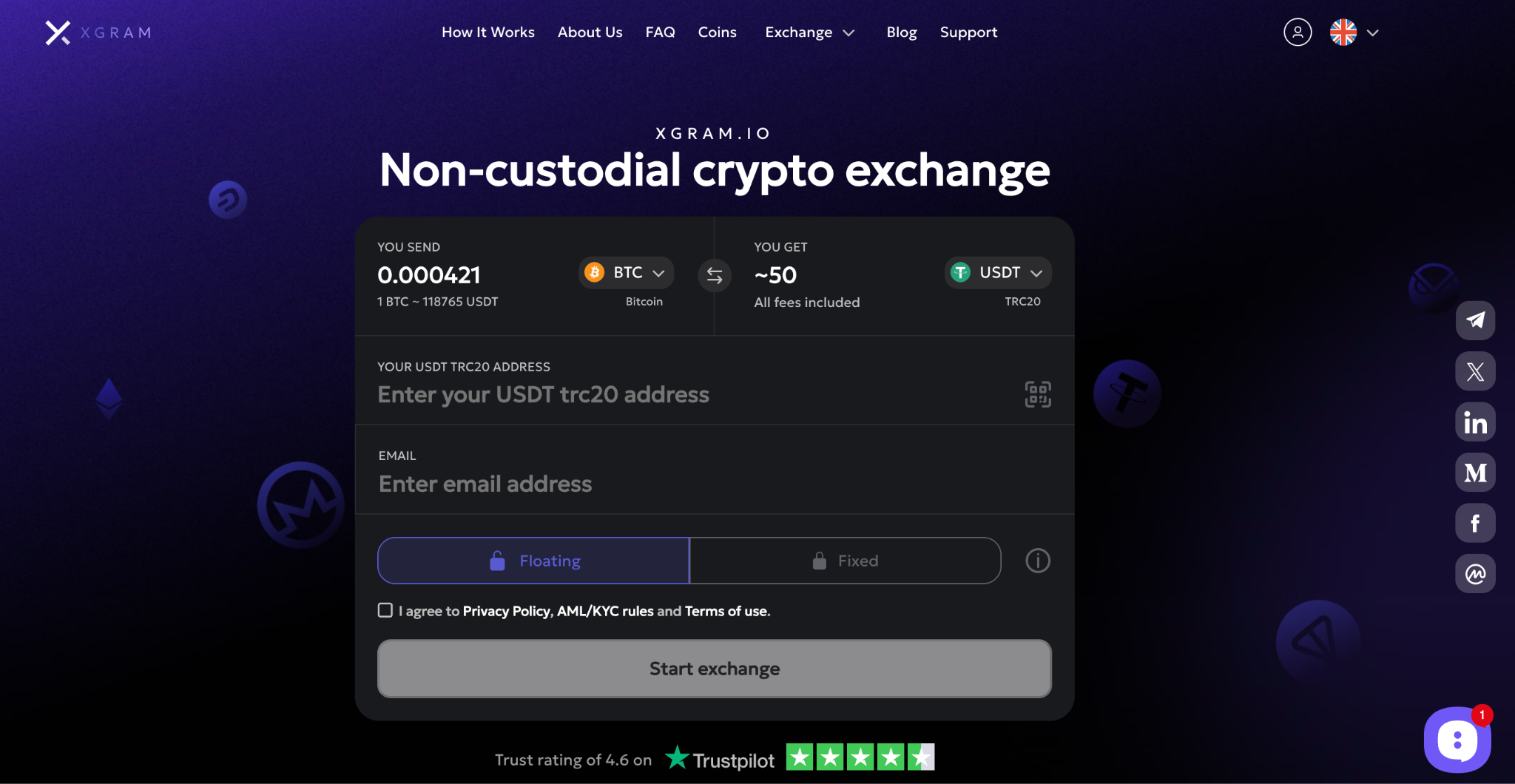
Иногда вам может понадобиться просто обменять одну криптовалюту на другую, не создавая и не подключая отдельный кошелёк. В таких случаях на помощь приходят сервисы вроде Xgram. Xgram — это онлайн-платформа для обмена криптовалют, которая позволяет быстро совершать сделки без подключения персонального кошелька.
- Xgram предлагает простой процесс регистрации и удобный интерфейс, поддерживающий популярные криптовалюты.
- Платформа использует конкурентные курсы, что помогает экономить на комиссиях при обмене и выводе средств.
- Для работы не требуется импорт или привязка личного кошелька, что удобно для новичков.
- Xgram подходит как для обычных обменов (например, Bitcoin на Ethereum), так и для более продвинутых операций.
- Сервис делает упор на прозрачные комиссии и поддержку пользователей.
Xgram может быть удобным временным решением, если вы не готовы сразу управлять приватными ключами. Однако для долгосрочного хранения активов всё же рекомендуется иметь собственный кошелёк.
Как обеспечить безопасность кошелька
Безопасность вашего кошелька зависит от соблюдения базовых правил. Независимо от выбранного типа кошелька — программного, аппаратного или бумажного — вы можете существенно снизить риски, следуя простым рекомендациям.
Распространённые ошибки
- Отсутствие резервных копий. Потеря seed-фразы — одна из самых частых причин утраты средств.
- Слабые пароли. Простые пароли делают кошелёк уязвимым для взлома.
- Переход по подозрительным ссылкам. Фишинг остаётся одной из главных угроз в криптосреде.
- Игнорирование обновлений. Устаревшее ПО часто содержит уязвимости.
Если кошелёк поддерживает дополнительные меры защиты, такие как биометрия или мультиподпись, обязательно используйте их. Некоторые продвинутые кошельки позволяют разделять seed-фразу на части, чтобы ни одно устройство или человек не имели полного доступа.
Расширяйте свои знания о криптовалютах
Создание криптокошелька — это только начало пути. Криптоиндустрия развивается стремительно, охватывая финансы, игры, цифровое искусство и токенизацию реальных активов. Чтобы использовать возможности и избегать рисков, важно постоянно учиться.
Читайте надёжные новостные ресурсы и официальные блоги проектов, смотрите обучающие видео и участвуйте в сообществах. Многие кошельки позволяют подключаться к децентрализованным приложениям (dApps), участвовать в DeFi, выпускать NFT и получать доход. Чем лучше вы понимаете процессы, тем увереннее чувствуете себя в экосистеме.
Часто задаваемые вопросы
Сколько стоит создать криптокошелёк?
Создание программного кошелька обычно бесплатно. Расходы могут возникнуть при покупке аппаратного кошелька или оплате сетевых комиссий.Что будет, если я потеряю seed-фразу?
Потеря seed-фразы почти всегда означает потерю доступа к средствам. Восстановить кошелёк без неё невозможно.Безопасно ли торговать без кошелька?
Да, если вы используете надёжные сервисы вроде Xgram. Однако при этом вы передаёте часть контроля платформе.Можно ли использовать один кошелёк для разных криптовалют?
Да, многие кошельки поддерживают несколько блокчейнов. Главное — убедиться, что нужные монеты официально поддерживаются.Как отправлять и получать криптовалюту?
Для получения вы передаёте публичный адрес отправителю. Для отправки вводите адрес получателя, подтверждаете комиссию и подписываете транзакцию.
Завершение
Создание криптокошелька — ключевой шаг для тех, кто хочет активно работать с цифровыми активами. Независимо от выбранного типа кошелька, контроль над приватными ключами означает контроль над средствами. Вместе с этим приходит ответственность за безопасность и постоянное обучение.
Если вам нужен быстрый обмен, Xgram может быть удобным вариантом. Но для долгосрочного хранения и глубокой работы с блокчейном собственный кошелёк остаётся незаменимым инструментом. Начните с подходящего решения, защитите свои данные и постепенно расширяйте знания — так вы сможете уверенно ориентироваться в мире криптовалют.

Приватный обмен криптовалют
Лучшие курсы. Безопасно. Кошелёк в кошелёк

 1 Мин
1 Мин