How to Easily Swap TON for SOL Using Xgram — Step-by-Step Guide


Step 1: Set Up Your Wallets
Before starting the swap, make sure you have the following wallets installed and ready:
Tonkeeper – the official wallet for the TON blockchain. It allows you to store, send, and receive TON and other tokens.
Solflare – a secure and user-friendly wallet for managing Solana assets. Available as a mobile app or browser extension.
Step 2: Swap TON to SOL with Xgram
Now let’s use Xgram to swap your tokens between networks.
Open Xgram
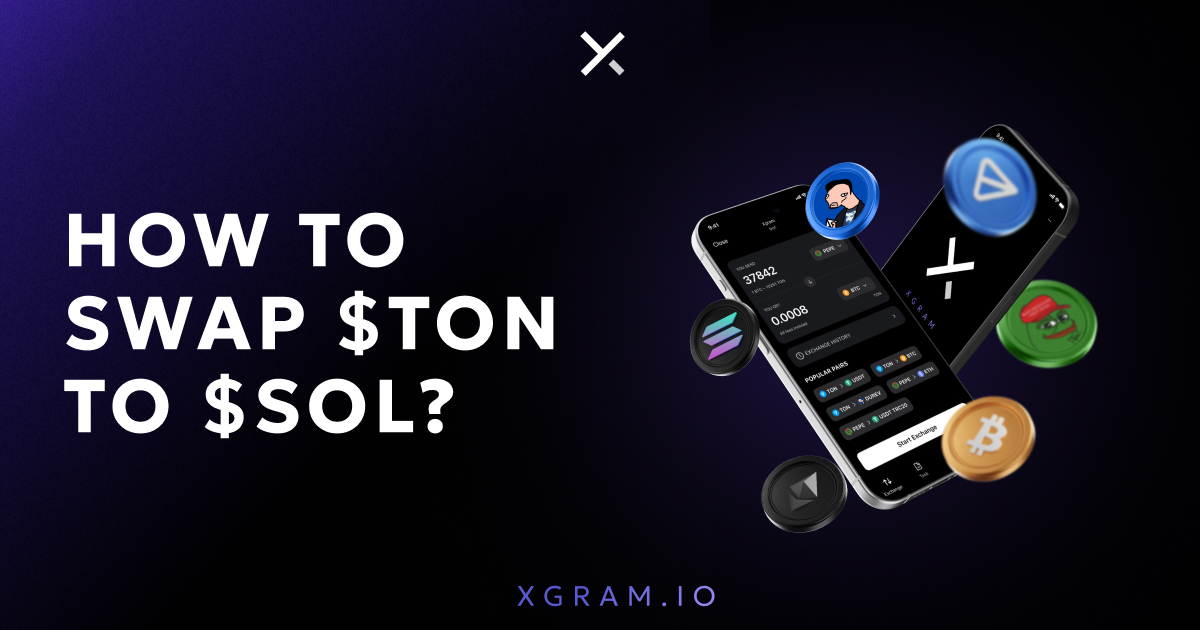
Launch the Xgram Mini-App in Telegram. It allows you to exchange tokens across chains, including TON and Solana, without registration or KYC.
Choose your pair
Select TON → SOL as your trading pair. Xgram handles the cross-chain swap internally, so you don’t need any bridges.
Enter the amount and recipient address
Input how much TON you want to swap, and paste your Solana wallet address from Solflare or Phantom.
1. Send the tokens
2. Xgram will generate a TON address for you.
3. Open Tonkeeper, tap Send, and paste the address provided by Xgram.
4. Enter the TON amount and confirm the transaction.
5. Receive SOL
Once the TON transfer is confirmed, Xgram automatically performs the swap and sends the SOL tokens to your Solflare wallet.
Step 3: Check Your Balance
After the process is complete, open Solflare and check your wallet balance — your SOL should be there!
Bonus: Swap SOL Back to TON
Need to go the other way? Xgram also supports SOL → TON swaps. Just reverse the steps: send SOL from Solflare, and receive TON into Tonkeeper.
Conclusion
With Xgram, cross-chain swaps are easier than ever. No bridges, no centralized exchanges, and no KYC — just simple, fast, and secure crypto swaps from the comfort of your Telegram app.
Try it out and see how effortless it can be to move assets between TON and Solana!

Private crypto swaps
Best rates. Secure. Wallet to wallet


 5 Min
5 Min