How to Sell Crypto to PayPal quickly

How to Sell Crypto to PayPal quickly
If you have ever wondered how to sell crypto to PayPal and access your funds in record time, you are in the right place. Below is a clear roadmap that explains how to convert digital assets into USD or your local currency through PayPal. You will learn which platforms to use, how to minimize fees, and how to avoid common mistakes. Before diving into details, here is your TL;DR.
TL;DR
Selling crypto to PayPal can be done through popular crypto exchanges, instant swap services, or peer-to-peer (P2P) platforms. The essential steps are setting up a compatible exchange, linking PayPal as a withdrawal method, and converting your crypto. Carefully check fees and withdrawal limits before finalizing your sale. Always double-check wallet addresses and account details to ensure safe transfers.
Sell crypto to PayPal quickly
Selling your crypto assets and getting paid quickly used to be a hassle. Today, many platforms directly support PayPal withdrawals, allowing you to finish the process in a matter of minutes or hours. From major centralized exchanges to convenient instant swap services, your options have never been wider.
When you sell crypto to PayPal, you quickly convert your digital currency balance into cash in your PayPal account. You can then use those funds to shop online, transfer to a bank, or hold in PayPal for future purchases. It is a popular route for first-time sellers because it is widely recognized and easy to set up.
Understand key selling options
Your first decision is which method you will use to turn crypto into PayPal balance. Three main paths stand out:
Centralized exchanges (CEX)
Larger platforms like Binance, Coinbase, or Kraken often allow you to connect a PayPal account as a withdrawal channel. You trade your crypto for fiat inside the exchange, then withdraw the fiat to PayPal.
Pros: Generally straightforward experience, high liquidity, robust security measures.
Cons: May require identity verification, occasional withdrawal fees, region-specific restrictions.
Peer-to-peer (P2P) platforms
P2P marketplaces connect individual buyers and sellers who negotiate conditions directly. Many of these platforms let you sort offers by payment method, including PayPal. You receive funds straight from the buyer’s PayPal account once you release the crypto.
Pros: Set your own price, potentially lower fees, worldwide availability.
Cons: Need to find reputable buyers, risk of chargebacks if the buyer disputes the transaction.
Instant swap services
Some websites let you swap crypto for cash in minutes. You pick PayPal as the payout option, send in your crypto, and receive PayPal funds. This is appealing if you want speed and simplicity without signing up for a full-scale exchange.
- Pros: Minimal setup, instant or near-instant conversions, straightforward user interface.
- Cons: Often higher fees, limited range of cryptocurrencies, variable transaction limits.
Each route has pros and cons. Picking the right path can save you a lot of time, frustration, and fees. Next, you will see how to set up a standard exchange, link PayPal, and stay safe in the process.
Set up your exchange account
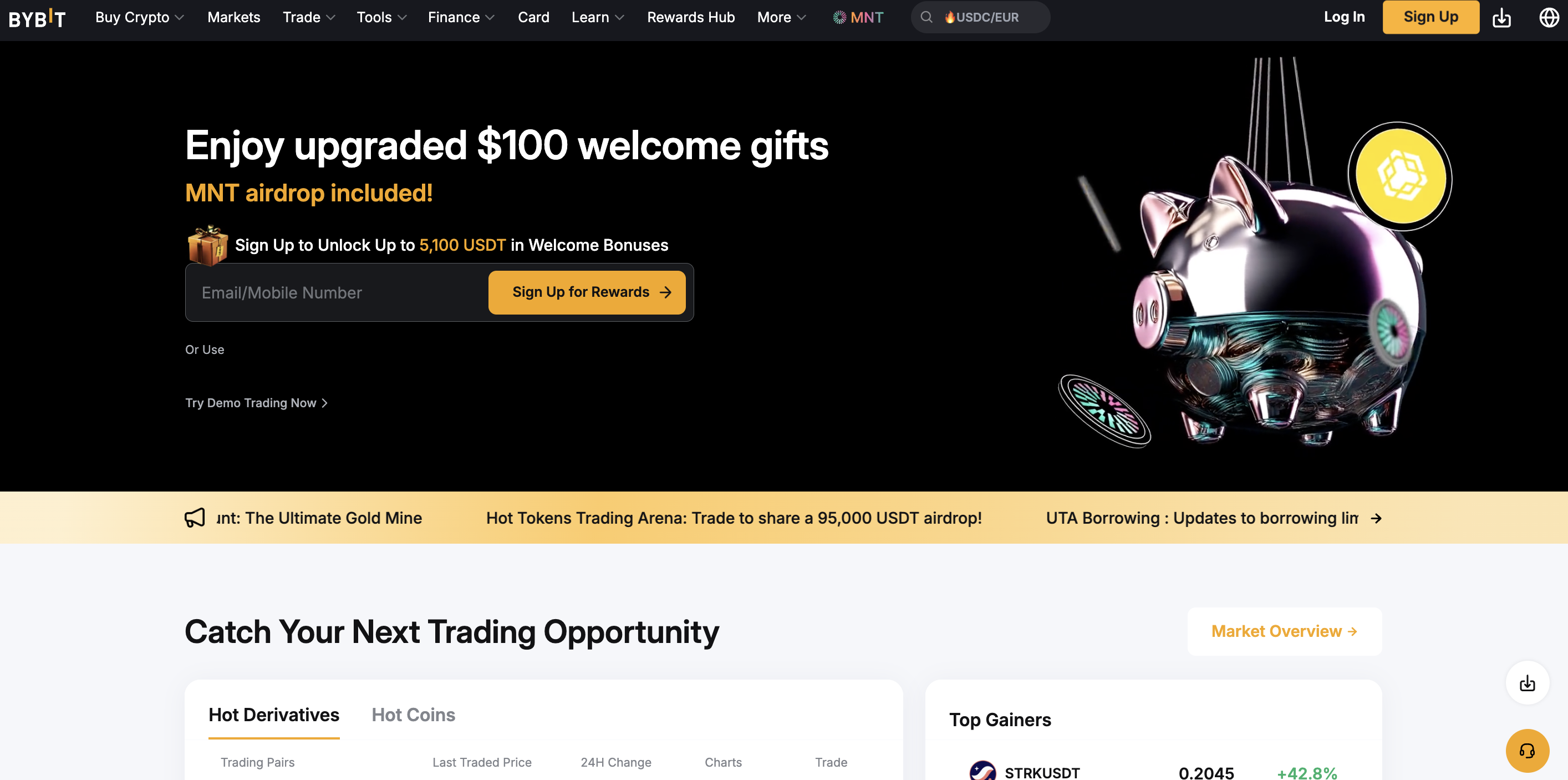
If you choose a centralized exchange for your transaction, the first step is to create and verify your account. The typical setup process goes like this:
Register on a reputable exchange
Choose a platform that supports PayPal withdrawals in your region. Create a new account with your email and a secure password.Complete identity verification
Most legitimate exchanges require some form of KYC (Know Your Customer) checks. You might need to provide government-issued ID, proof of address, or other details. Approval can take from a few hours to a couple of days.Enable two-factor authentication (2FA)
Before adding any payment or withdrawal method, secure your account. Download an authenticator app or use SMS verification to reduce the risk of unauthorized logins.Fund your account with crypto
If you already hold crypto in your personal wallet, you can deposit it to the exchange using your deposit address. Wait for network confirmations, which can take from a few minutes to an hour or more, depending on the blockchain.
Once your account is verified and funded, you are ready to trade your crypto for a fiat currency. Most exchanges have a straightforward trading interface or a “Sell Crypto” button within your user dashboard.
Connect your PayPal method
After verifying your identity, linking your PayPal account is the next critical step. Not all platforms offer direct PayPal integration, so check your exchange’s “Payment” or “Withdrawal” settings:
Find withdrawal settings
Look in your user dashboard for a “Payment Methods” or “Withdrawal Methods” tab. PayPal might appear in a drop-down list of available payout routes.Link your PayPal account
You are usually prompted to log in to PayPal and authorize the connection. Confirm the permissions to allow money transfers from your exchange to your PayPal account.Test a small withdrawal
To ensure everything works properly, withdraw a tiny amount of fiat to PayPal. If it arrives quickly (which can sometimes be instant or within a few hours), you are set.
If your exchange does not offer a direct PayPal connection, do not worry. There are instant swap services and P2P networks you can explore. Whichever route you pick, keep your PayPal setup up to date, including correct email and verification status, so your transfers do not get stuck.
Use Xgram for cost savings
Another option is Xgram, a simple platform where you can exchange crypto without connecting any wallet. It is a type of swap service that focuses on saving fees while still giving you a straightforward user interface. Here is how it can help:
No wallet connection required
You do not need to integrate your wallet. Xgram provides an address for you to send your crypto, making the process less complicated if you do not want to link multiple accounts.Basic swap engine
You select the crypto type you hold and the currency you want to receive via PayPal. Xgram calculates the rate and offers you a quote.Cost savings
Because there are fewer steps involved and the platform’s main goal is to facilitate quick swaps, Xgram typically charges lower fees than other instant services. This matters if you are exchanging a significant amount of crypto.Fast processing
After sending your crypto to Xgram’s address, you usually see PayPal funds appear in your account rapidly, often within minutes. This speed is a major draw for users who want immediate liquidity.Simple user experience
Since Xgram is designed for quick swaps, its interface is light on advanced trading features. Beginners appreciate how straightforward it is to input amounts and finalize transactions.
If you are comfortable using specialized swap services and want to minimize fees, Xgram can be a valuable alternative. Just remember to do a test transaction before committing large sums. Another best practice is checking user reviews and confirming that Xgram supports your specific cryptocurrency.
Initiate and finalize the sale
Once you have set everything up—your exchange account, a linked PayPal profile, or a swap service—it is time to sell. While each platform looks slightly different, the steps usually include:
Select your crypto
Decide which coins or tokens you want to sell. Make sure you have enough balance to cover any network or withdrawal fees.Convert to fiat
On an exchange, you can directly place a sell order or use a quick-sell option that automatically provides a market rate. On a P2P site, you accept an offer from a verified buyer. On a swap service, you move crypto in exchange for a payout quote.Review fees and limits
Exchanges and PayPal itself may charge withdrawal fees or have minimum withdrawal thresholds. Confirm those costs and ensure your transaction meets the platform’s limits. If fees look high, consider adjusting the amount or using a cheaper route.Confirm your withdraw to PayPal
On an exchange, go to “Fiat and Spot” or a similar wallet page. Find the “Withdraw” button and choose your PayPal account. On P2P or swap sites, you will typically see a prompt to enter your PayPal email or confirm the method. Double-check all information.Wait for confirmation
Some transactions are instant, while others might take a few hours. Keep an eye on your PayPal balance. If it does not show up reasonably soon, contact platform support or check if you entered your account details correctly.
After these steps, you will see your PayPal balance updated with the converted amount. PayPal, in turn, allows you to use or withdraw the cash to your bank at your convenience.
Safeguard your transaction
Selling crypto to PayPal is generally safe if done through reputable services, but you still want to protect yourself and your funds. Here are key safety practices:
Verify buyer or platform reputation
Whether you use a centralized exchange or a P2P site, check reviews and user feedback. Confirm that they have a secure track record.Enable 2FA on all accounts
Both your crypto platform and PayPal should have multi-factor authentication activated. This extra step helps prevent unauthorized access.Watch out for red flags
On P2P platforms, if someone insists on paying outside PayPal’s official channels or tries to switch payment methods at the last minute, pause the transaction. Stick to recognized payment flows only.Document each trade or swap
Keep screenshots or receipts of your transaction, including the final sums and timestamps. This documentation can be invaluable if there is a dispute.Stay alert for phishing
Scammers may pose as crypto exchanges or PayPal support. Never click suspicious links or share private keys or passwords. Always log in directly through the official websites.
Simple precautions will help you avoid the more common pitfalls. Once you become comfortable with the process, you will find that selling crypto to PayPal is a straightforward way to access your funds.
Recap your knowledge
You have just walked through the entire process of how to sell crypto to PayPal. Here are the main takeaways:
- Choose the right method
Decide between centralized exchanges, P2P platforms, or instant swap services. - Verify your identity
Expect KYC checks on most reputable platforms. - Link PayPal
Ensure you add PayPal as a valid withdrawal method. - Factor in fees
Compare transaction costs across different platforms. - Stay safe
Protect your accounts with 2FA and remain alert for potential scams.
By following these steps, you avoid the confusion and headaches that beginners often face. Take a small step first. Try a test transaction via a reputable exchange or a quick service like Xgram. Once you see how easily you can convert crypto to PayPal balance, you will feel more confident with larger trades.
Frequently asked questions
Can I sell any cryptocurrency to PayPal?
It depends on the specific platform. Many major exchanges support high-volume coins like Bitcoin, Ethereum, and stablecoins when converting to PayPal. However, if you hold a less common token, you may need to convert it to a more popular coin first.Are there fees when withdrawing to PayPal?
Yes. Exchanges typically charge a small withdrawal fee, and PayPal may also apply a receiving fee. Some platforms, such as Xgram, aim to reduce these costs, but always check fee schedules before selling.How long does it take to get money in PayPal?
It can be almost immediate, or it can take a few hours depending on the platform’s processing times. Some P2P buyers pay instantly, while others wait for confirmations. If you are using a centralized exchange, you might see your balance in minutes or have to wait up to 24 hours.Do I need to verify my identity with PayPal too?
Usually, yes. To withdraw significant amounts or keep your PayPal account in good standing, you might have to verify your identity. This can include providing PayPal with additional documents—particularly if you frequently receive large sums.Is it safe to leave money in PayPal after selling?
PayPal is a well-established platform, but any online account can be compromised if you do not have proper security. Enable 2FA, use a strong password, and monitor your account frequently. Many people also opt to transfer their PayPal funds to a bank account for extra peace of mind.
With these questions answered, you have a clear view of how to sell crypto to PayPal quickly and confidently. Go step by step, verify every detail, and you are all set to make your first (or next) successful sale.
Most popular posts
Here you will find a selection of the most popular articles and posts from the past month, carefully chosen for your convenience.


For the last month


 10 Min